Adicionado: January 16, 2026
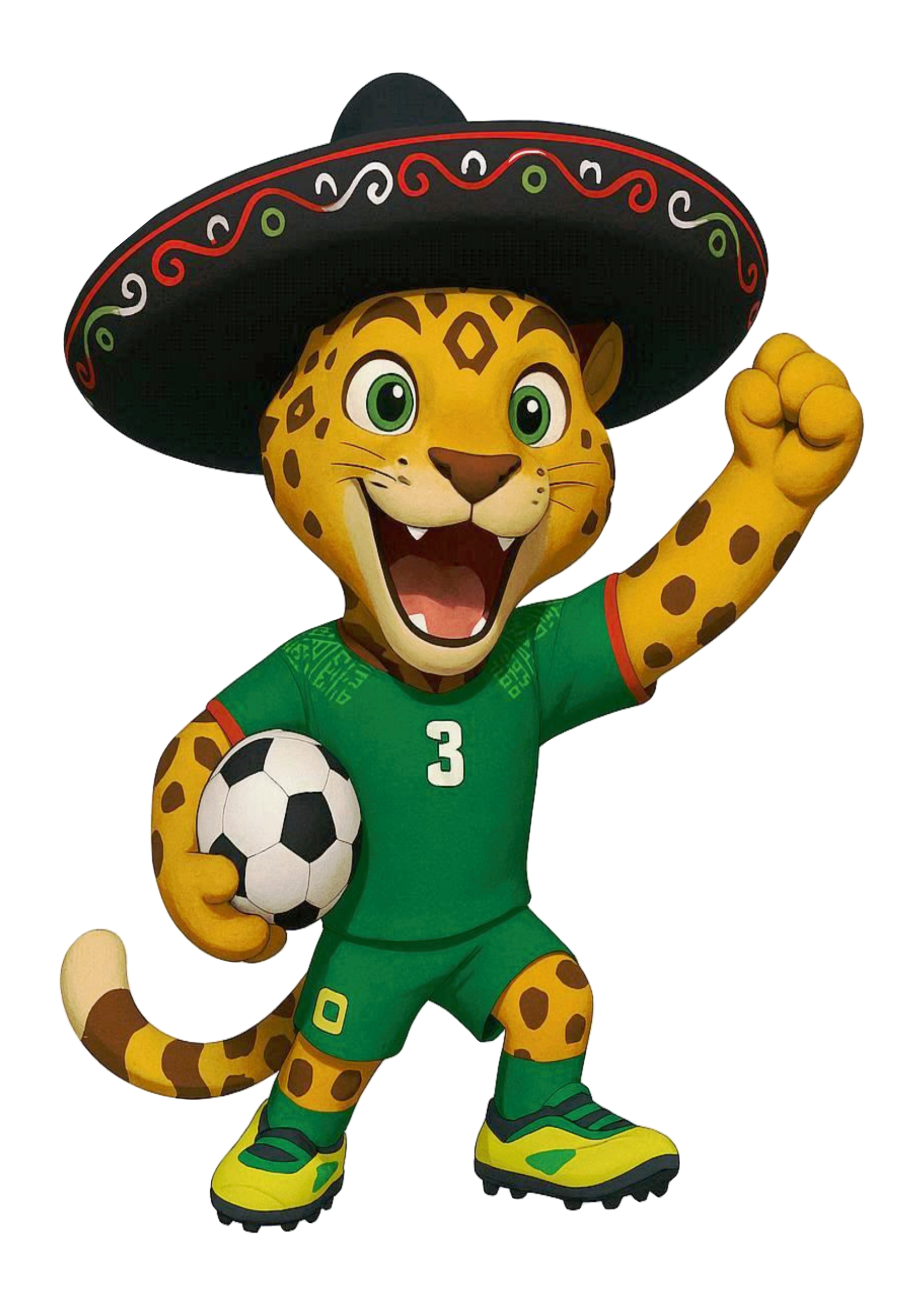
Tags: 20 images, 2026, art, artwork, canada, canadian, canadian fan, canadian flag, cartoon, clipart, cup, cup 2026, fan, FIFA, FIFA world cup, flag, football, free download, illustration, kicking, mascot, mexican, mexico, moose, playing football, playing soccer, png, printable, simple design, simple drawing, soccer ball, sticker, tag, trophy, uniform, USA, vector, world, world cup, world cup 2026, world cup soccer, world cup stickers
Adicionado: January 16, 2026
Tags: 20 images, 2026, art, artwork, canada, canadian, canadian fan, canadian flag, cartoon, clipart, cup, cup 2026, fan, FIFA, FIFA world cup, flag, football, free download, illustration, kicking, mascot, mexican, mexico, moose, playing football, playing soccer, png, printable, simple design, simple drawing, soccer ball, sticker, tag, trophy, uniform, USA, vector, world, world cup, world cup 2026, world cup soccer, world cup stickers
1 – How do I save images from the site?
Saving images from the Topobolo site is very simple:
– Find the image you want. Use the side category menu or the search bar to make it easier.
– Click the thumbnail to view the full image
– If that’s the one you want to save, click it; it will open at full size in a new window or tab.
– On desktop: right‑click the image and choose “Save image as…”.
– On mobile: tap the image, wait for it to open, then press and hold on the image until the “Save image” option appears.
– On iPhone Safari: tap once, then tap again and hold. Drag the image upward and tap “Save Image.”
2 – Where do the site’s images come from?
ALL of the images available on our site can be found on Google. What we do is simply organize them by categories. In addition, we have some original images created by our team; these usually include a watermark to help promote the site.
3 – Are the images on the site free?
Yes. All images on our site are free. To get any image, just download it, there’s no cost.
4 – Do the images on the site have copyright?
Just as Google Search warns that images you find there may be subject to copyright, the same applies to our site. The images we provide may be copyrighted. We cannot determine whether any specific image is or is not under copyright.
5 – Can I use the site’s images for commercial purposes?
We state on our site that the images it contains are for personal use, and we are not responsible for improper use by visitors. Because we do not know which images are or are not copyrighted, we cannot say that they are cleared for commercial use. It’s up to each person to research the rights for any image from our site that they want to use commercially.